|
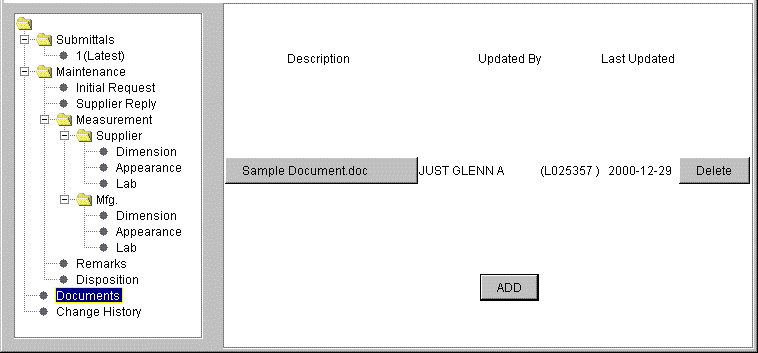
The option to upload files for a first piece report is designed to allow users to attach
files to the first piece. This option is accessed by opening the desired first piece report
and clicking on the "DOCUMENTS" section located under the "MAINTENANCE" folder
at the bottom of the left panel.
To attach a file, click on the "ADD" button at the bottom of the screen on the right.
This will display a file dialogue that will allow you to select the file to be saved.
Once the file has been selected, click on the "OPEN" button to attach the file.
|